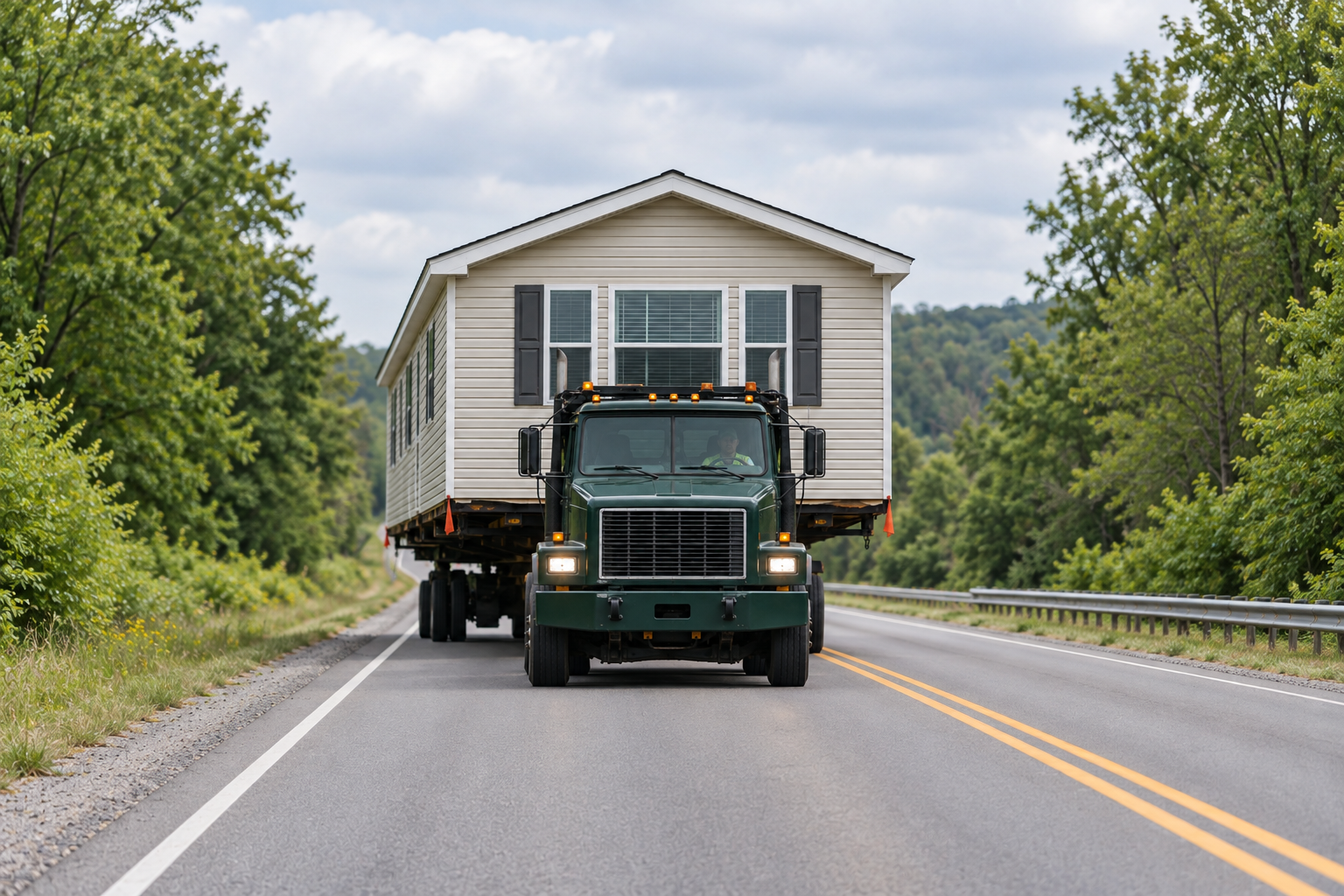
Use Lakeland’s mobile/manufactured home setup permit path for a new or replacement unit in a mobile-home community. For a manufactured home on a qualifying residential lot, the city directs applicants to Building Residential / New Single Family. Confirm the site category before organizing delivery.
Community: setup path
New and replacement units in a mobile-home community use the setup-permit path.
Qualifying residential lot: another path
The city directs that manufactured-home proposal to Building Residential / New Single Family.
Age evidence
The setup checklist requests a title or data plate showing the home's age.
The Lakeland mobile and manufactured home permit checklist makes this distinction explicitly. Replacing a unit on the same property within a mobile-home community remains part of the setup-permit path; an existing address alone does not identify the right application category.
Bring the home record and site plan together
The setup checklist includes a title or data plate showing the home’s age, plus a plan locating the proposed home relative to property lines, streets and existing structures. The applicant and installer also need to assemble the worksheet and technical setup documents specified by the city.
Tell the transporter which setting applies
Identify the Lakeland community and lot or the separate residential parcel, along with the home’s sections and pickup point. Include the receiving application’s status when requesting transport only.
The upload invitation follows the application
The Lakeland permit submission instructions describe an iMS application followed by an email invitation to upload PDFs in ePlan ProjectDox. Keep track of that invitation and the documents still requested. A submitted application is a useful reference for the carrier, but the delivery discussion should accurately describe its current review status.
